
Integrations
Keep the zeros in a product code before the spreadsheet removes them
Preserve product identifiers as text across imports and exports. Display formatting cannot reliably restore characters lost during numeric conversion.
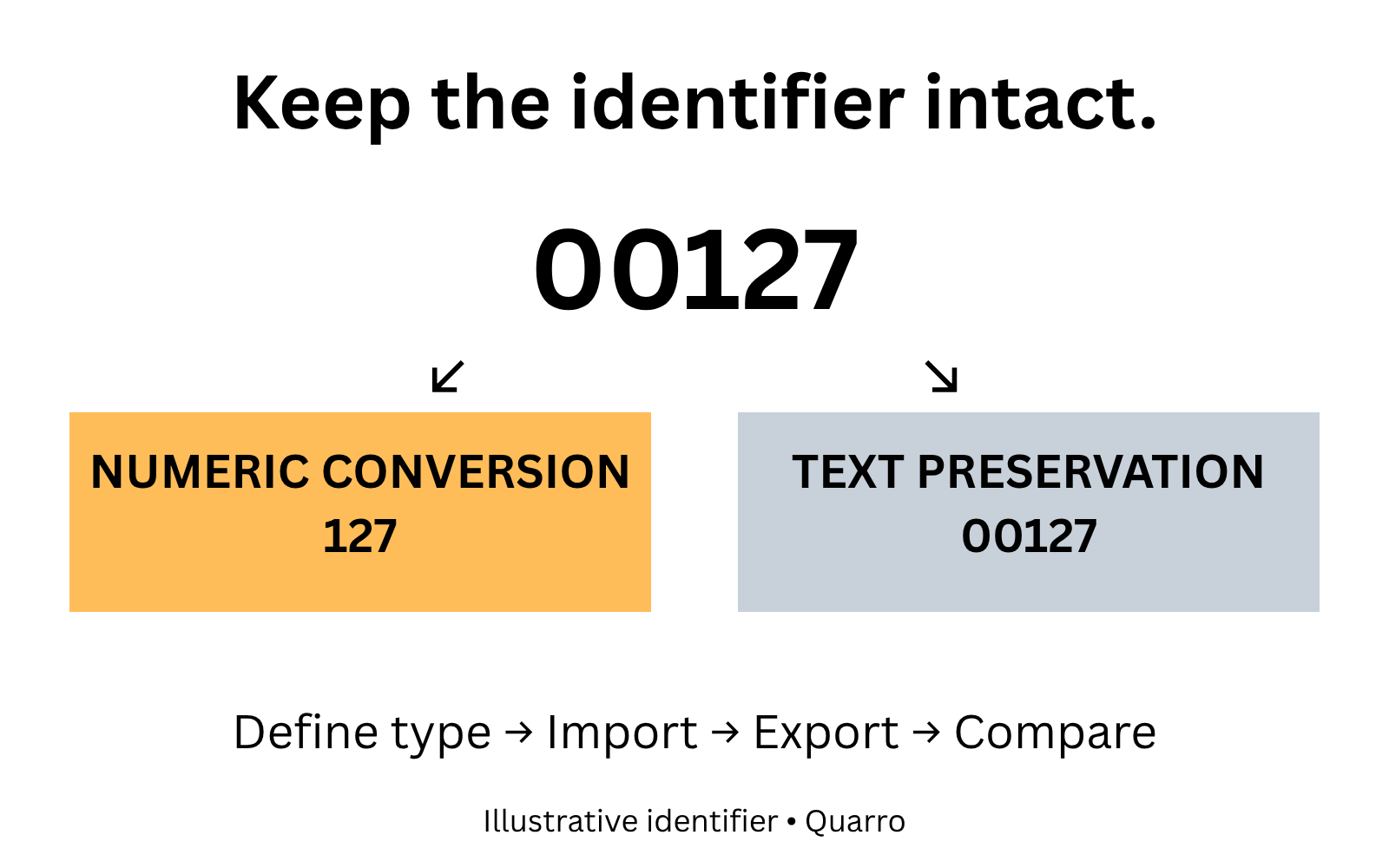
A correct-looking sheet can contain a different identifier
A supplier sends product code 00127. Someone opens the file in a spreadsheet, saves it and passes it to purchasing. The next system receives 127. The description still looks familiar, but the identifier no longer matches the supplier's catalog.
This is an illustrative handoff, not a client incident. For purchasing and catalog teams, the useful question is whether the field represents a quantity or a name made of digits. You can add quantities together. Adding two product identifiers does not identify a third product.
Treat that distinction as part of the data contract before choosing an import shortcut.
Preserve meaning before changing appearance
Microsoft's guidance describes Excel's automatic conversion of numerical text, including removal of leading zeros and its 15-significant-digit numeric precision limit. It documents importing columns as text and notes that applying Text formatting afterward does not change numbers already entered.
The operational consequence is simple: making 127 display with five digits is not proof that the original source contained exactly 00127. A format may make a workbook look right while leaving a downstream export or lookup with the wrong value.
If conversion has already discarded information, return to a trustworthy source. Do not reconstruct identifiers by padding every value to an assumed length unless the identifier specification explicitly establishes that rule.
Define an identifier contract with the supplier
A proposed catalog handoff should specify the identifier's type, permitted characters, treatment of spaces and whether letter case matters. Keep the supplier namespace too: the same visible code can mean different things in two suppliers' catalogs.
Preserve the received identifier alongside any separately documented matching key. If a team decides that surrounding spaces should be removed, record that normalization rule rather than silently changing every field. Do not remove punctuation merely because it looks decorative; a hyphen may be meaningful in the source scheme.
The receiving screen should distinguish an unknown identifier from an invalid one. A correctly preserved new product code may simply need catalog review. Coercing it into the nearest existing number would conceal the difference.
Check the complete round trip
Use a small, permitted test file containing 00127, 127, an alphanumeric code and a long digit-only identifier. Define which values should be distinct before testing. These examples are proposed acceptance cases, not measured production results.
Check the raw source, the imported field, a saved-and-reopened workbook and the exported value. Compare characters, length and supplier context rather than only the visible cell. Include the actual spreadsheet version and receiving tool used by the team.
A screen-only check misses the handoff that matters. If a workbook is merely a presentation artifact, its display rules can differ from a machine-facing file. Label those purposes so someone does not later promote a human-readable sheet into an undocumented integration.
Keep numeric quantities numeric
Preserving identifiers as text is not an instruction to turn every field into text. Received quantity, unit price and identifier each need their own representation and validation. A single catch-all rule can fix one column while making calculations unreliable elsewhere.
Text preservation also does not establish that a code is genuine, current or authorized for purchase. Those checks belong to catalog and business rules. Start with one recurring supplier file and document one end-to-end identifier example. The first useful result is a handoff that can explain why two codes match, rather than one that merely makes them look alike.